Get Notified when the Software is Updated

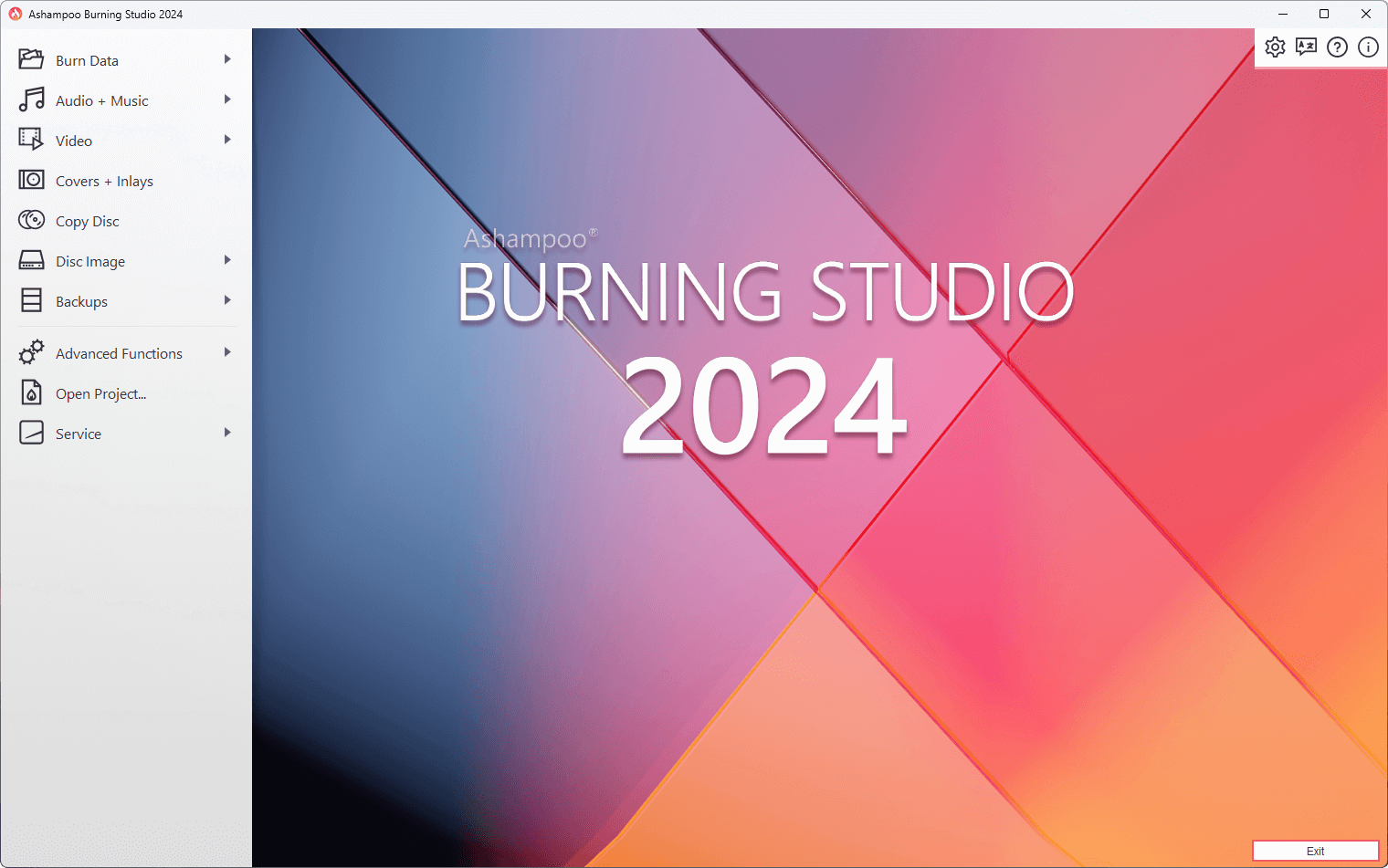
Ashampoo Burning Studio 2024 is a feature-rich disc burning application designed for both standard and specialized media. It provides fast and reliable burning of files, audio, and video to all recordable disc types, including CDs, DVDs, and Blu-rays. Moreover, its support for unique formats such as BDXL and M-Disc makes it an ideal solution for professionals and enthusiasts who require durable and high-capacity storage.
Ashampoo Burning Studio 2024 simplifies the entire audio ripping process. The built-in disc ripper automatically detects track names and lets you turn your favorite audio files into custom audio discs with personalized covers and inlays. During the ripping process, the software automatically generates playlists so your music is organized in your preferred playback order.
This Ashampoo software can also finalize discs to make them playable on older retail players or car radios. Built-in disc spanning automatically spreads data across multiple volumes if it can’t fit on a single disc. This makes it easy to burn entire photo, document, or song collections to a disc. The excellent support for ISO and CUE/BIN, along with the integrated image preview during creation and browsing, will especially be appreciated by frequent disc image users.
Beyond burning, Ashampoo Burning Studio 2024 offers comprehensive backup functionality. The software allows you to securely back up your files to any disc, flash drive, or hard drive. Its standout 1-Click Backup even works with your cellphones and tablets, making data protection effortless. Plus, with scratch protection, you can still retrieve valuable data from discs with significant surface damage. This latest version is fully compatible with Microsoft Windows 11 and includes a new, more interactive cover search feature.
Ashampoo Burning Studio 2024 Highlights:
- Burn files to single or multiple CDs, DVDs, and Blu-ray discs
- Copy CDs, DVDs, and Blu-ray discs
- Burn scratch-protected discs
- Back up cell phones, tablets, or other external devices
- Create audio CDs
- Design and print covers and inlays for all disc types
- Sleek new user interface
Ashampoo Burning Studio 2024 – Pros & Cons
| Pros | Cons |
|---|---|
| ✓ Supports burning data, audio, and video to CDs, DVDs, Blu-ray discs, BDXL, and M-Disc media for a wide range of storage needs. | ✗ Available only for Windows, with no native version for macOS or Linux users. |
| ✓ Includes built-in backup features with 1-Click Backup for external devices such as smartphones, tablets, USB drives, and hard drives. | ✗ Primarily focuses on optical media, which may be less relevant for users who rely on cloud storage or USB devices. |
| ✓ Creates and manages disc images with ISO and CUE/BIN support, including integrated image previews for easier verification. | ✗ Advanced video editing and multimedia authoring capabilities are outside the scope of the software. |
| ✓ Automatically retrieves audio track information, generates playlists, and lets you design custom disc covers and inlays. | ✗ Requires compatible optical disc hardware to use its core burning and copying features. |
| ✓ Offers disc spanning, disc finalization, and scratch protection to improve compatibility, storage flexibility, and data recovery. | ✗ Some premium features and long-term updates may require upgrading to newer commercial editions. |
Frequently Asked Questions
Can Ashampoo Burning Studio create bootable discs?
Yes. It supports creating bootable CDs, DVDs, and Blu-ray discs from boot images, making it useful for recovery tools, installation media, and system maintenance tasks. You can also create and burn disc images for later use.
Can Ashampoo Burning Studio erase rewritable discs?
Yes. It can erase rewritable CD-RW, DVD-RW, DVD+RW, and BD-RE discs so they can be used again. Depending on the disc type, you can choose between a quick erase and a complete erase.
What is the difference between Ashampoo Burning Studio and Nero Burning ROM?
Both applications offer disc burning, copying, and image creation features. Ashampoo Burning Studio focuses on a more user-friendly interface with integrated backup tools. In contrast, Nero Burning ROM offers a wider range of advanced disc authoring and multimedia features for power users.
Does Ashampoo Burning Studio verify data after burning?
Yes. It can verify the data after burning to help ensure the files on the disc match the source. This reduces the risk of corrupted or incomplete burns, especially when archiving important data.
Official Homepage – https://www.ashampoo.com
System Requirements:
- Operating System: Windows® 11, Windows® 10
- RAM: 2 GB
- Sound Card: Any standard sound card (on-board or USB)
Languages: British English, Bulgarian, Catalan, Chinese (simplified), Chinese (traditional), Czech, Danish, Dutch, English, Finnish, French, German, Greek, Hungarian, Italian, Korean, Latvian, Norwegian, Norwegian Nynorsk, Polish, Portuguese, Portuguese (Brazilian), Rumanian, Russian, Serbian, Serbian, Slovakian, Slovenian, Spanish, Spanish (Argentina), Turkish.