

Get Notified when the Software is Updated

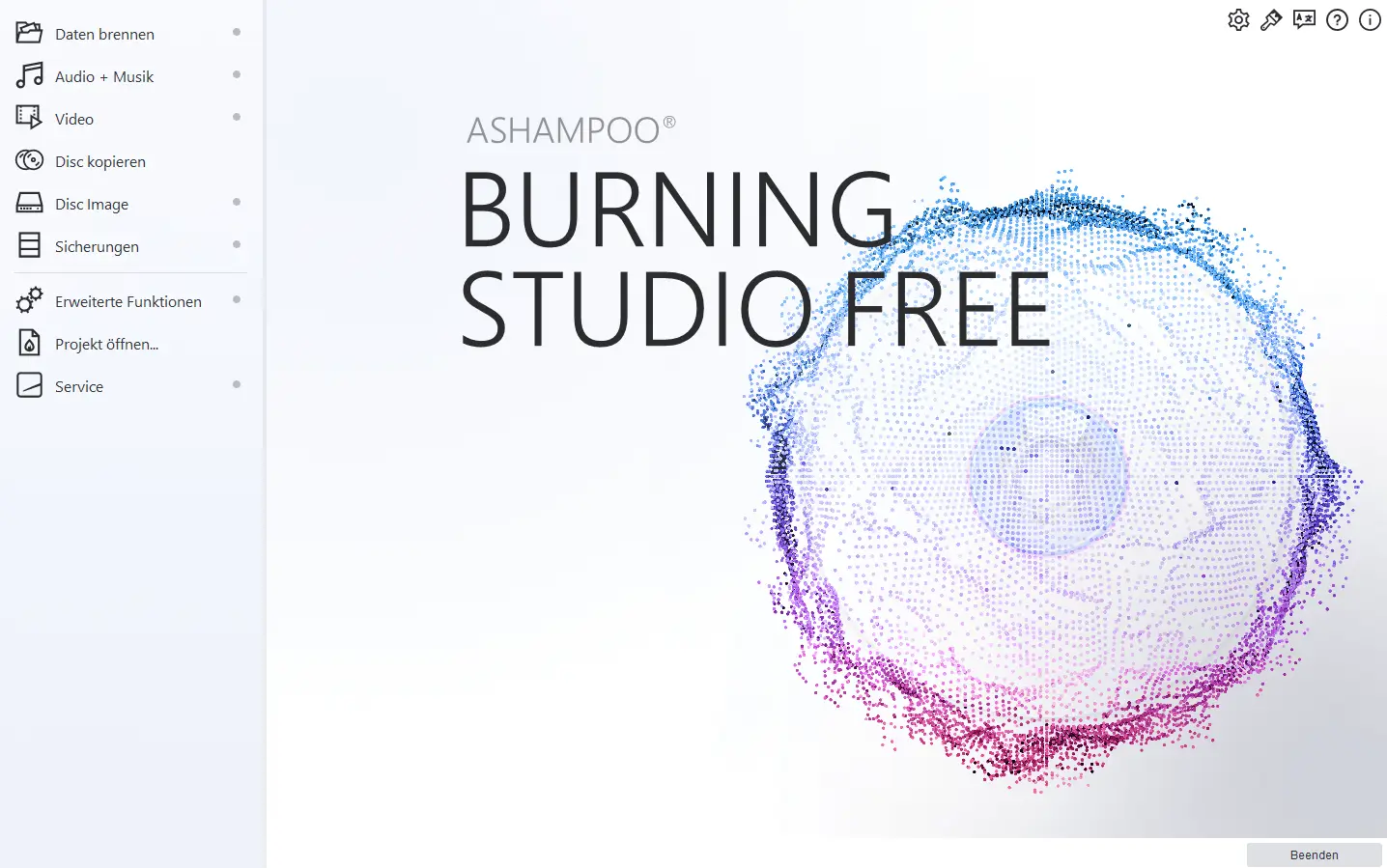
Ashampoo Burning Studio FREE is a feature-rich disc-burning application designed for reliable performance. It has everything you need to burn and back up data, rip music discs, create audio discs, or burn existing videos. Burn MP4 files and photos to Blu-ray and much more!
With its intuitive interface, the program is ideal for beginners and helps them achieve great results quickly. It supports CD, DVD, and Blu-ray media, including rewritable discs for repeated use, and offers customizable burning settings for maximum versatility.
Ashampoo Burning Studio FREE also offers several tools for managing and creating music discs. It can easily rip CDs and extract their audio tracks with automatic song and album detection to avoid manual file naming. The available output formats include MP3, WMA, and WAV, with multiple quality settings to choose from.
The program supports traditional audio CDs and can also burn MP3 or WMA files to discs for longer listening sessions. Built-in normalization helps level out volume discrepancies. The integrated audio player is perfect for previewing your songs beforehand.
Ashampoo Burning Studio FREE other Features:
Copy and burn movies
Burning Studio FREE also burns HD and Full HD movies (720p and 1080p) from a prepared folder. The program makes it easy to create Video CDs and Super Video CDs (VCDs and SVCDs). Naturally, the freeware also copies CDs, DVDs, and Blu-ray discs in just a few clicks.
Password-protected backups
The program also provides backup tools that allow you to burn data to discs or store it on external drives for safekeeping. Built-in compression reduces file sizes, and password protection helps keep your data secure. Disc spanning automatically breaks the data into smaller segments and stores them across multiple discs.
Work comfortably with images.
The program provides a convenient way to create and burn file images. It fully supports ISO, CUE/BIN, and Ashampoo’s own ASHDISC format. Turn your CDs, DVDs, and Blu-rays into images with Ashampoo Burning Studio FREE!
Ashampoo Burning Studio FREE – Pros & Cons
| Pros | Cons |
|---|---|
| ✓ Supports CD, DVD, and Blu-ray media, including rewritable discs for users who need to reuse the same media. | ✗ The listed operating-system support is limited to 64-bit Windows 10 and Windows 11, with no macOS or Linux support specified. |
| ✓ Can rip music CDs with automatic song and album detection and save audio as MP3, WMA, or WAV with selectable quality settings. | ✗ The provided specifications list MP3, WMA, and WAV as the only supported output formats for music CD ripping, which may not suit users who need additional audio formats. |
| ✓ Handles both traditional audio CDs and MP3 or WMA discs, with normalization to help reduce noticeable volume differences between tracks. | ✗ The documented video-burning workflow works from prepared folders for HD and Full HD movies, so the supplied information does not describe a broader video-authoring workflow. |
| ✓ Provides compressed and password-protected backups, while disc spanning can divide large backup sets across multiple discs. | ✗ Disc spanning distributes a backup across multiple discs when the data is too large for one, which means restoring or storing that backup set requires keeping the complete series of discs together. |
| ✓ Supports creating and working with ISO, CUE/BIN, and ASHDISC image files, making it useful for saving physical discs as image files. | ✗ According to the provided specifications, image creation supports ISO, CUE/BIN, and ASHDISC formats, so users working with other disc-image formats may need additional software or conversion tools. |
Frequently Asked Questions
What is Ashampoo Burning Studio FREE used for?
Ashampoo Burning Studio FREE is a disc-burning utility designed for burning data, music, backups, and prepared video content to CDs, DVDs, and Blu-ray discs. It also supports disc copying, audio CD ripping, and creating or burning supported disc-image files.
Can Ashampoo Burning Studio FREE burn Blu-ray discs?
Yes. It can burn data and HD or Full HD movies to Blu-ray media and copy Blu-ray discs. The program also supports rewritable CD, DVD, and Blu-ray media.
Can Ashampoo Burning Studio FREE create password-protected backups?
Yes. Its backup tools can save data to discs or external drives and provide compression and password protection for added security. The program can also distribute a large backup across multiple discs using disk spanning when needed.
What audio formats can Ashampoo Burning Studio FREE use when ripping CDs?
Ashampoo Burning Studio FREE can rip music CDs to MP3, WMA, or WAV files and offers multiple quality settings. It can also automatically detect song and album information to minimize manual track naming.
What is the difference between Ashampoo Burning Studio FREE and BurnAware?
Both applications can burn data, audio, and video discs and work with ISO images. BurnAware additionally supports bootable and multisession discs, as well as BDXL/M-Disc media. The supplied Ashampoo page emphasizes password-protected backups, audio CD ripping, and support for ISO, CUE/BIN, and ASHDISC images.
Official Homepage – https://www.ashampoo.com
Supported Operating Systems: Windows 11, 10 (64-bit, ARM).
Supported Languages: Arabic, Belarusian, British English, Bulgarian, Catalan, Chinese (simplified), Chinese (traditional), Croatian, Czech, Danish, Dutch, English, Finnish, French, German, Greek, Hungarian, Italian, Latvian, Norwegian, Norwegian Nynorsk, Polish, Portuguese, Portuguese (Brazilian), Romanian, Russian, Serbian, Slovakian, Slovenian, Spanish, Spanish (Argentina), Swedish, Turkish, Vietnamese
Size: 83.3 MB
